
 TRADECOREPLAN | MANAGE | DELIVER
How it works
Simple steps.Real results.
Bring your team, jobs and work together. TradeCore gives you one place to plan, manage and deliver—whether you’re working in customers’ homes, commercial properties or across larger sites.
Four simple steps
Get started with TradeCore.
Everything you need to manage your business, from the office to the job site.
- 1
Set up your company
Add your company details and branding, then set up access for your team.
9:41Your company.
Your TradeCore.Company detailsYour business nameCompany brandingYour logo and coloursTeam accessAdmins, managers & workersPlan · Manage · Deliver - 2
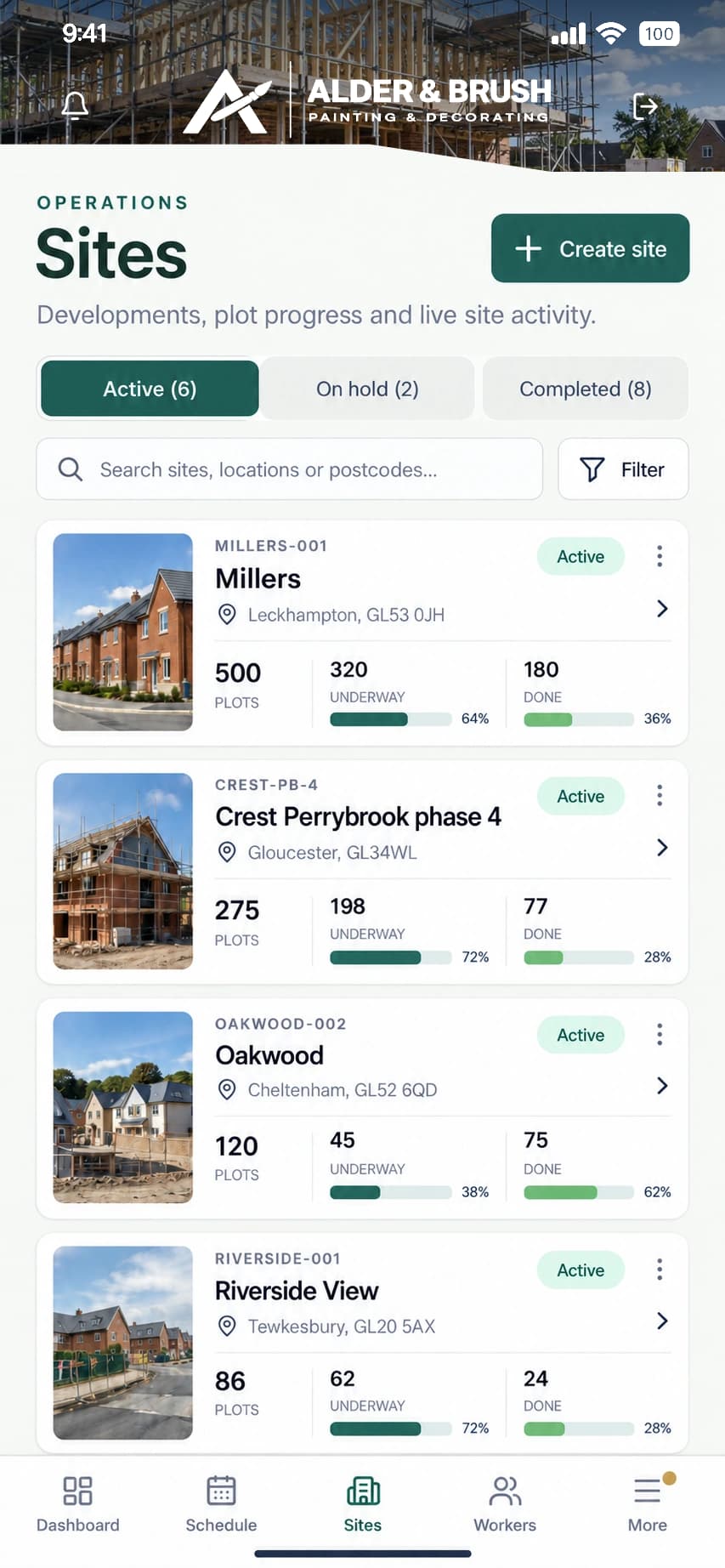
Add your work
Create jobs, sites, plots and work areas. Allocate workers to the work that needs doing.
- 3
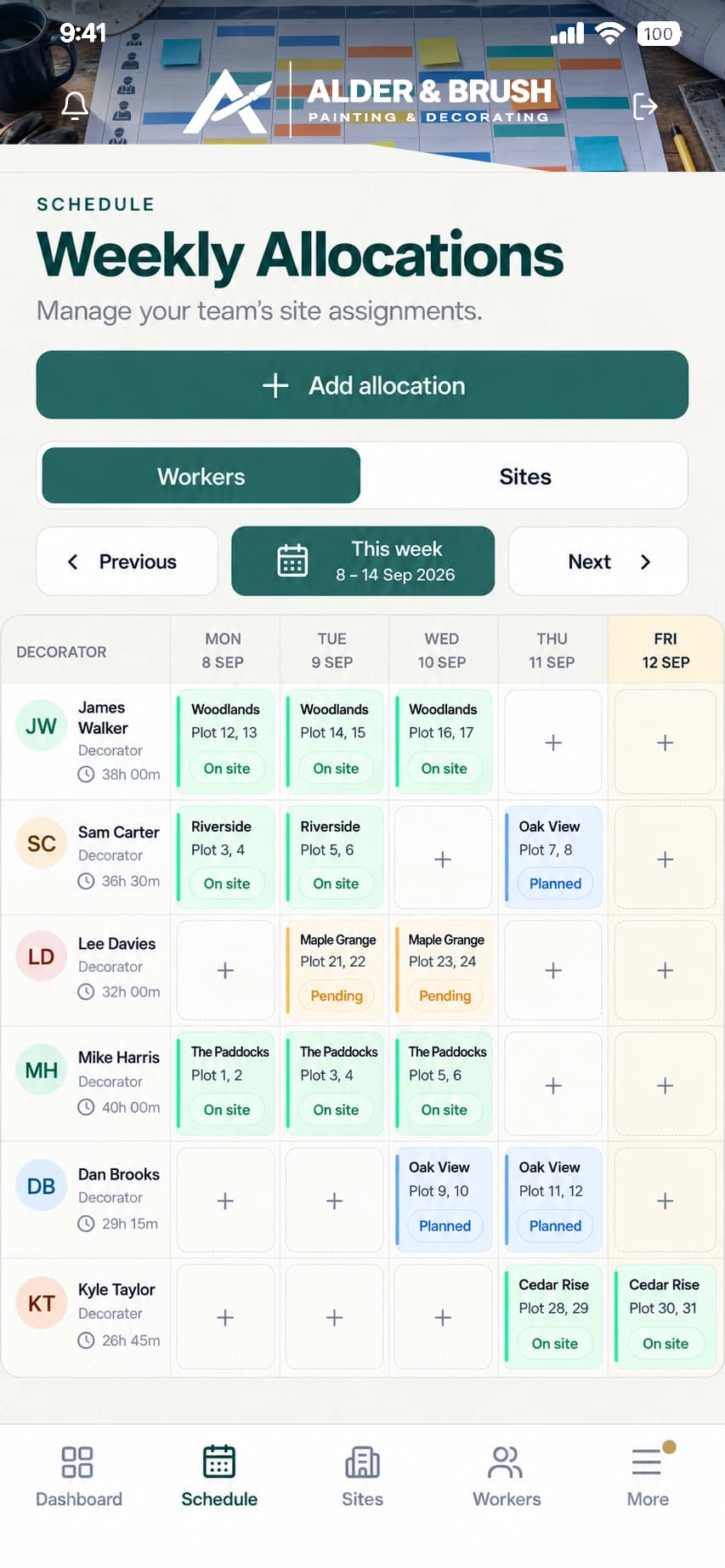
Run the work
Give workers clear allocations, record attendance, add photos and notes, and keep progress updated as work happens.
- 4
Review & approve
Review progress and timesheets, follow up issues and approve worker invoices.
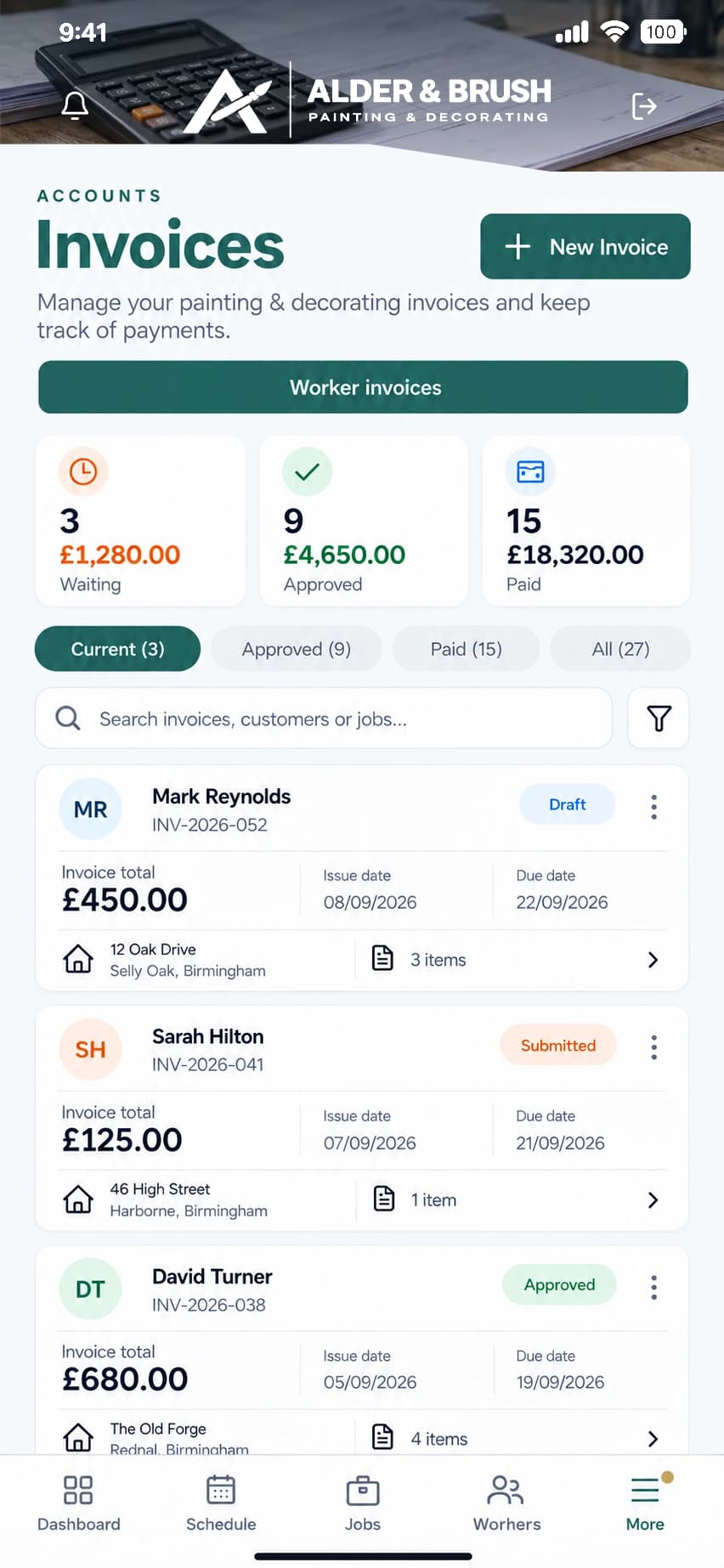
Example TradeCore workspace shown with fictional customer branding.
Works on your devices
Anytime. Anywhere.
Use TradeCore in your browser on desktop, tablet or mobile. Keep the office and site working from the same company records.
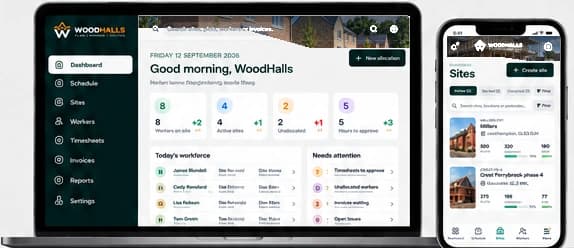
Work anywhere
Browser access on your devices
Keep track
Progress and records together
Better communication
Office and site connected
Less administration
Keep the working day moving

Built around the working day
Less chasing.
More clarity.
From the first job allocation to the final approval, everyone works from the same information. Less chasing workers for updates, fewer spreadsheets to maintain and a clearer picture of what’s happening across your business.
- Clear worker allocations
- Evidence with the work
- Timesheets ready for review
- One connected workflow
What happens next?
And when the work is done?
- Approve timesheets
- Review worker invoices
- Send approved invoices to Sage or Xero
- Keep payment records connected
Ready to put it to work?
Start your own company workspace with a 30-day free trial. No card required.