Manage all your jobs
From individual bathrooms and rooms to full properties and commercial projects.

 TRADECOREPLAN | MANAGE | DELIVER
Tiling contractors
TradeCore helps tiling contractors manage jobs, rooms and work areas, keep their team on schedule and store photos, notes and job records — from preparation through to final checks.
30 days free · No card required
Key benefits
Job management software for tiling contractors. Everything you need to manage your tiling jobs, team and paperwork — without the spreadsheets, group chats and missed information.
From individual bathrooms and rooms to full properties and commercial projects.
Assign tilers to the right jobs, rooms or work areas.
Keep preparation, installation and finished-work evidence with the job.
Keep notes, drawings, product information and important documents together.
Plan preparation, installation, return visits and finishing work.
Keep day work, pricework, worker invoices and approvals together.
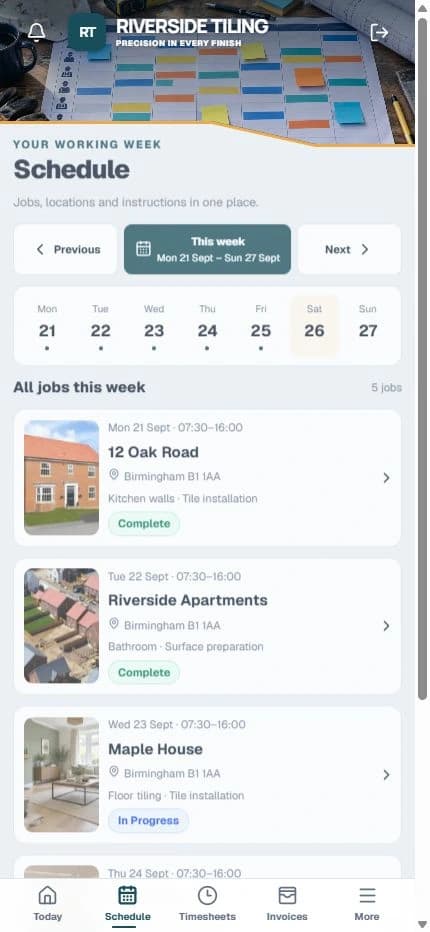
Your tiling workflow
Plan, allocate and track each stage of the tiling work. Keep notes, photos, workers and worker invoices connected so the team and office always have the latest information.
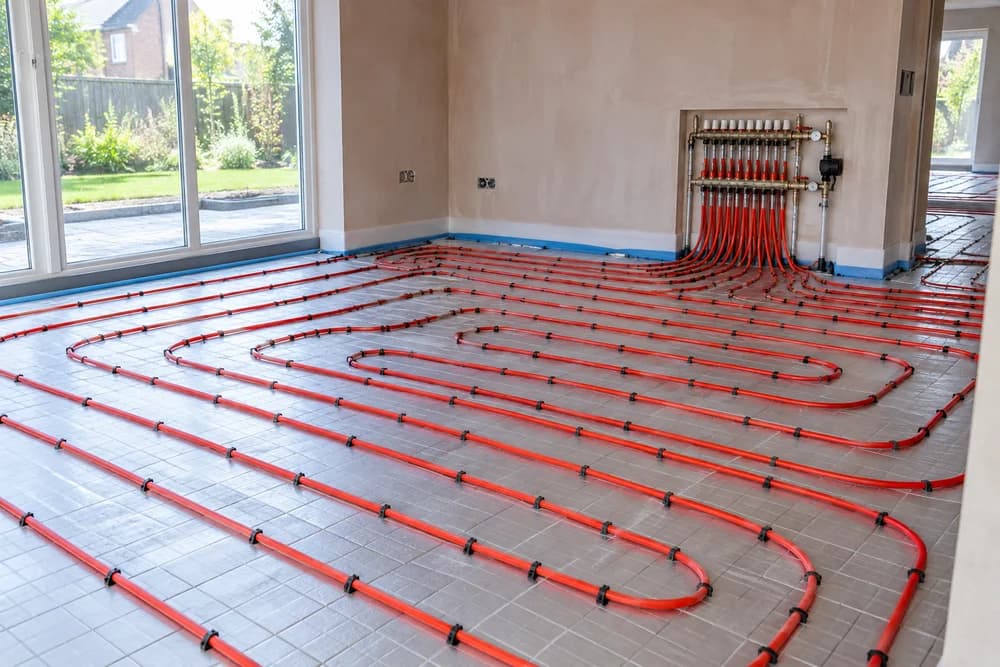
From the room or area to the pricework task, completion, approval and worker invoice — keep each step together. Hourly and day work can run alongside pricework.
Common questions
Yes. Keep domestic jobs, commercial projects and development work in one company workspace. All plans include unlimited sites.
Yes. Use rooms, plots or work areas to suit the job and keep each allocation connected to the right place.
Yes. Schedule tilers against the relevant job, room or area and stage, including preparation, installation and return visits.
Yes. The starting tiling workflow includes waterproofing. Your company can customise its stages to match its own process. TradeCore does not define waterproofing specifications or replace your inspection procedures.
Keep layout and edge-detail notes, photos, product information and supporting documents with the work. These records support your normal specifications and product instructions; they do not replace them.
Yes. Keep issues, photos and notes with the relevant job or work area so the team can see what needs attention on the next visit. Pricework can have a snag checklist with retention released after the work is checked.
Yes. Use all three in the same company. Connect a job or work area to a pricework task, track its progress and completion, then review it for approval and worker invoicing. Hourly and day work use time records and weekly timesheets. You can also hold retention against pricework snags and release it once checked.
No. Workers can use TradeCore from their phone. Office staff can use the same workspace from desktop, tablet or mobile.
No. Try TradeCore for 30 days with all features, unlimited sites and your selected plan’s active-worker allowance. Administrators and managers do not count towards that allowance. You choose whether to subscribe; the trial does not automatically charge you.
30 days free. No card required. All features included.